
When you first create a project in Jira, it feels like an easy choice-Team-managed or Company-managed. You might pick one without thinking much. Later, you realized that small decision changes how everything works and switching back isn’t easy. That’s why it’s important to understand the difference right from the start.
How to Check If Your Jira Project is Team-Managed or Company-Managed
Before working in a Jira project, it is important to identify its type. Jira clearly labels whether a project is team-managed or company-managed within the project settings.
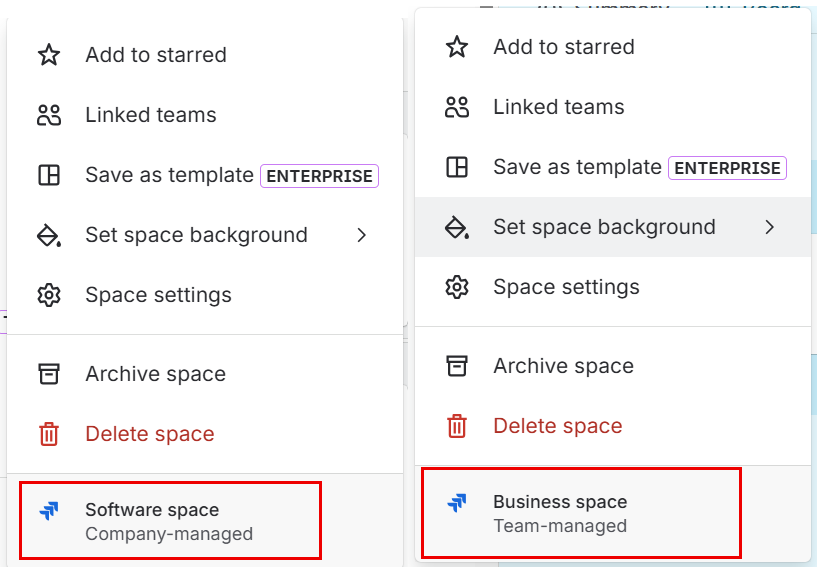
If a project has already been created and you are unsure about its type, you can easily check it by following a few simple steps:
1). Click on the Project on the left sidebar.
2). Select the “More actions” (•••) menu next to the project name in the sidebar.
3). At the bottom of the menu, you will see the project type clearly labeled as either:
Team-managed
Company-managed
What is Team-managed Project ?
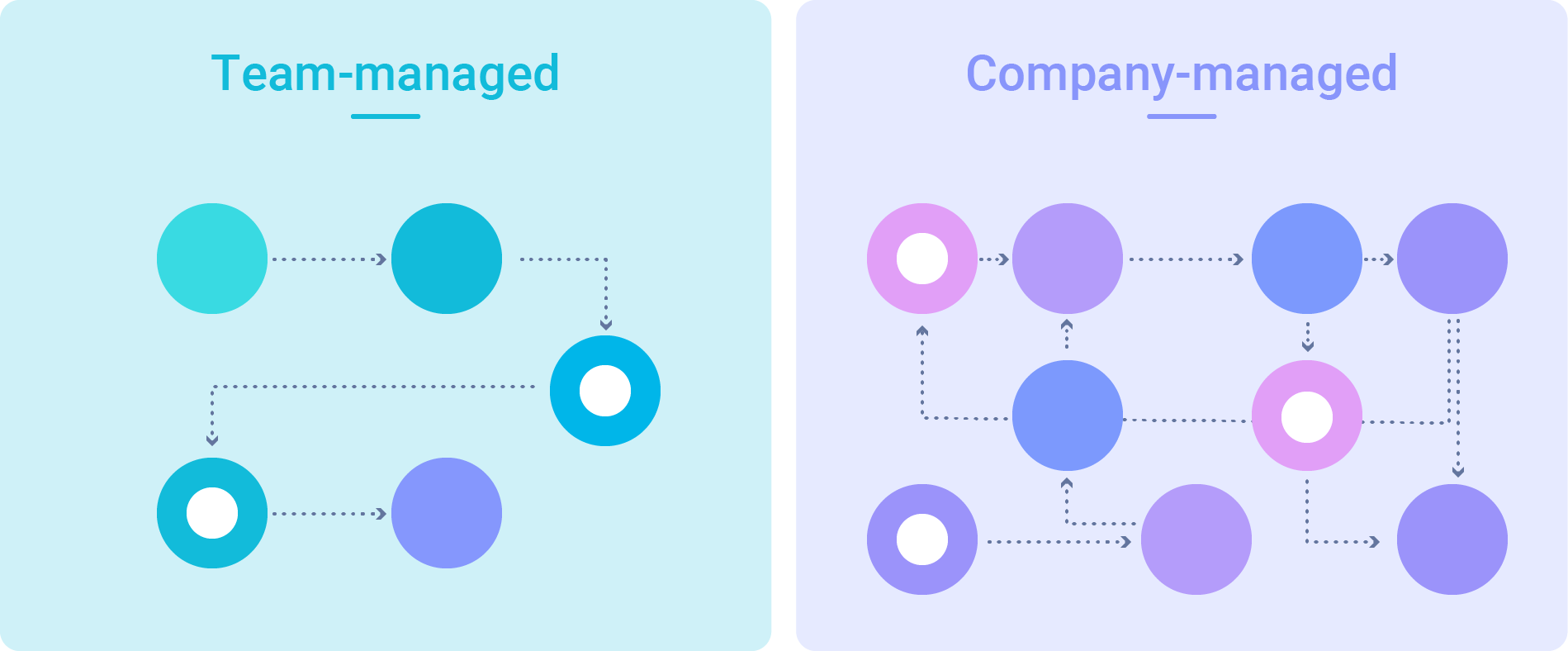
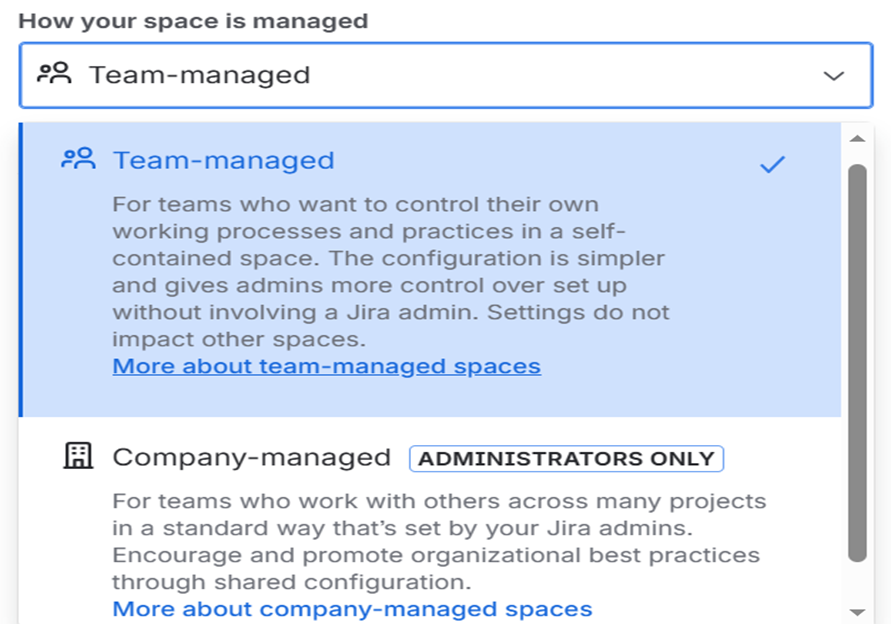
Team managed project as the name suggest project is created and managed directly by the team members themselves. These projects come with simpler configuration options, allowing Project admin to handle setup and changes easily without depending on a Jira admin.
What is Company-managed Project ?
Company-managed projects are created and managed by Jira administrators. They are used when an organization wants all teams to follow the same process and structure.
These projects use shared settings, so the same workflows, permissions, and configurations can be used across multiple projects without recreating it each time.
When to Choose Team-managed Project Type?
~ When you have a small team working independently
~ When you prefer simple setup and configuration
~ When your team wants full control over workflows, issue types, and fields without depending on a Jira admin
~ When you want to avoid impacting other projects while making changes
~ When there is no requirement for advanced customization or complex functionality
When to Choose Company-managed Project Type?
~ When the project is large-scale and expected to grow or involve multiple teams or departments.
~ When Jira admin involvement is required for configuration changes and governance.
~ When your organization requires standardization across multiple teams and projects.
~ When you need reusable configurations like shared workflows, screens, and fields across projects
~ When you need detailed permission schemes to manage user access and actions.
Is Switching Between Team-Managed and Company-Managed Projects Possible?
No, switching directly between team-managed and company-managed projects in Jira is not possible. Jira does not allow conversion of a project from one type to another. If you want to change the project type, you need to create a new project in the required format and manually recreate the settings and issues. This is because both project types are built differently team-managed projects are simple and team-controlled, while company-managed projects are structured and admin-controlled in Jira.
About Canarys Automations
As an Atlassian Gold Partner, we help organizations maximize the value of Atlassian tools through expert implementation, customization, and reliable support across the entire Atlassian ecosystem. Partner with us to enhance collaboration, streamline workflows, and drive business success. Contact us at atlassiansupport@ecanarys.com to get started.